
Download MetaTrader4 for Windows first and build a full desktop workspace
The Windows terminal supports multi-chart analysis, template management, EA workflows, and review records, with Mac, iOS, and Android options for cross-device monitoring.
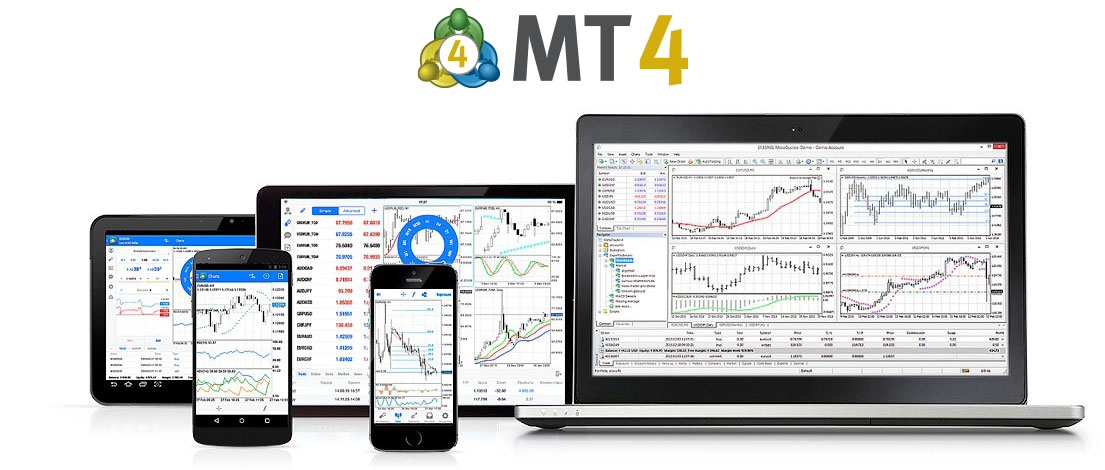
Choose the installer for your current device
Windows
Recommended: full desktop charts, templates, EA workflows, and review workspace.
Free downloadMac
For market viewing, chart analysis, and lightweight review on Mac devices.
Get Mac versioniOS
For watchlists, alerts, and quick key-level checks on mobile.
Get iOS appAndroid
For away-from-desk monitoring and price alert coverage.
Get Android appComplete desktop setup in three steps
Download the installer
Start with the Windows option and complete the local setup wizard.
Add watch symbols
Create watchlists by forex, indices, commodities, and other categories.
Save templates and alerts
Save chart templates, key levels, and price alerts for repeatable workflows.
Designed for common desktop and mobile devices
System requirements
Use a stable network and modern browser for this site; keep Windows updated and reserve enough disk space for the desktop terminal.
Free trial note
The download entry is for users who want to experience charts, watchlists, alerts, and review workflows before extending templates.
Usage guide
After installation, configure watchlists, chart timeframes, indicator templates, and alerts to keep monitoring consistent.
Frequently asked questions
Is Windows the recommended download?
Yes. The desktop terminal is better for multi-window charts, templates, EA workflows, and review notes.
Why are multiple platforms listed?
Users work across devices; Windows is the main workspace while Mac, iOS, and Android support monitoring and alerts.
What should I do first after setup?
Add core symbols, then save a chart template and watchlist for repeat use.
Is it useful for review?
Yes. Screenshots, chart objects, history, and templates help recreate market context before and after trades.