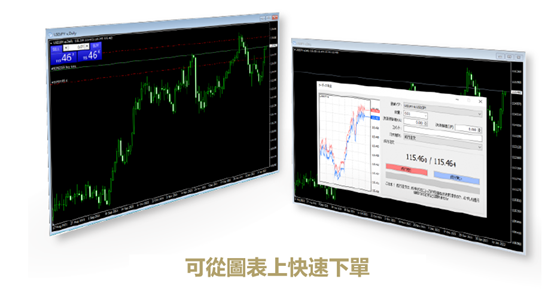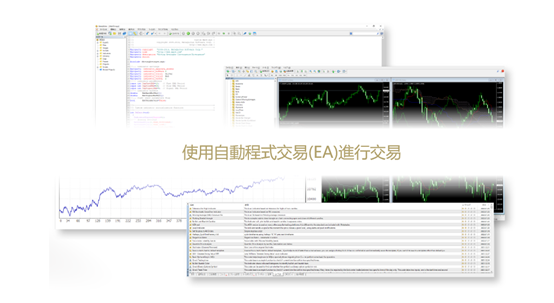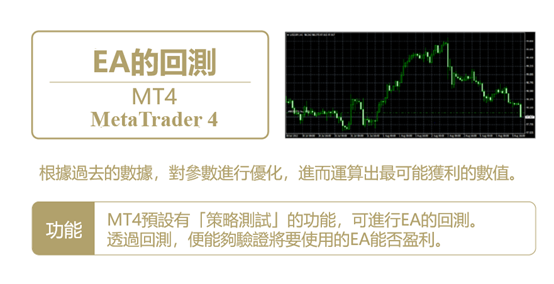
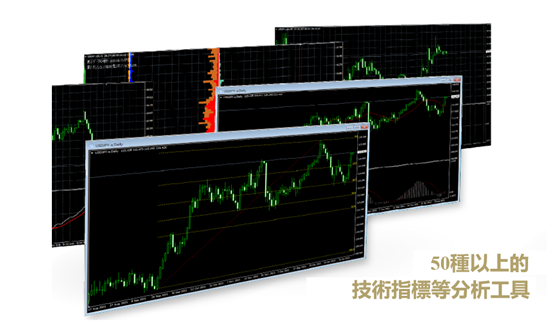
For forex and CFD monitoring, how a windows trading terminal reduces intraday switching cost is closely tied to how fast a trader can return to the same market context. MetaTrader4 keeps watchlists, indicators, templates, and alerts in one desktop-led workflow.
A practical setup starts with a watchlist, then organizes charts by market, timeframe, and strategy type. This helps users reopen the terminal and continue from a familiar structure instead of rebuilding the view during active sessions.
Workflow and scenarios
For multi-market users, the Windows terminal works well as the main workspace, while mobile apps handle alerts and quick checks away from the desk. The desktop environment keeps the full chart setup, objects, and templates intact.
Review value
Teams can standardize template names, indicator combinations, and key-level notation. Over time this makes intraday communication clearer and turns review notes into a repeatable trading process.
To turn these methods into daily execution, start with the Windows download, watchlists, templates, and alerts, then extend into mobile monitoring and post-trade review.